The new MinbarLive Android app enables mosques to start live khutbah transcription, translation, and audio TTS translation in just two clicks. The congregation accesses the content by scanning a single QR code.
“One Android phone, one QR code, and two clicks are enough for congregation members to read or listen to the khutbah in the language they understand.”
In brief
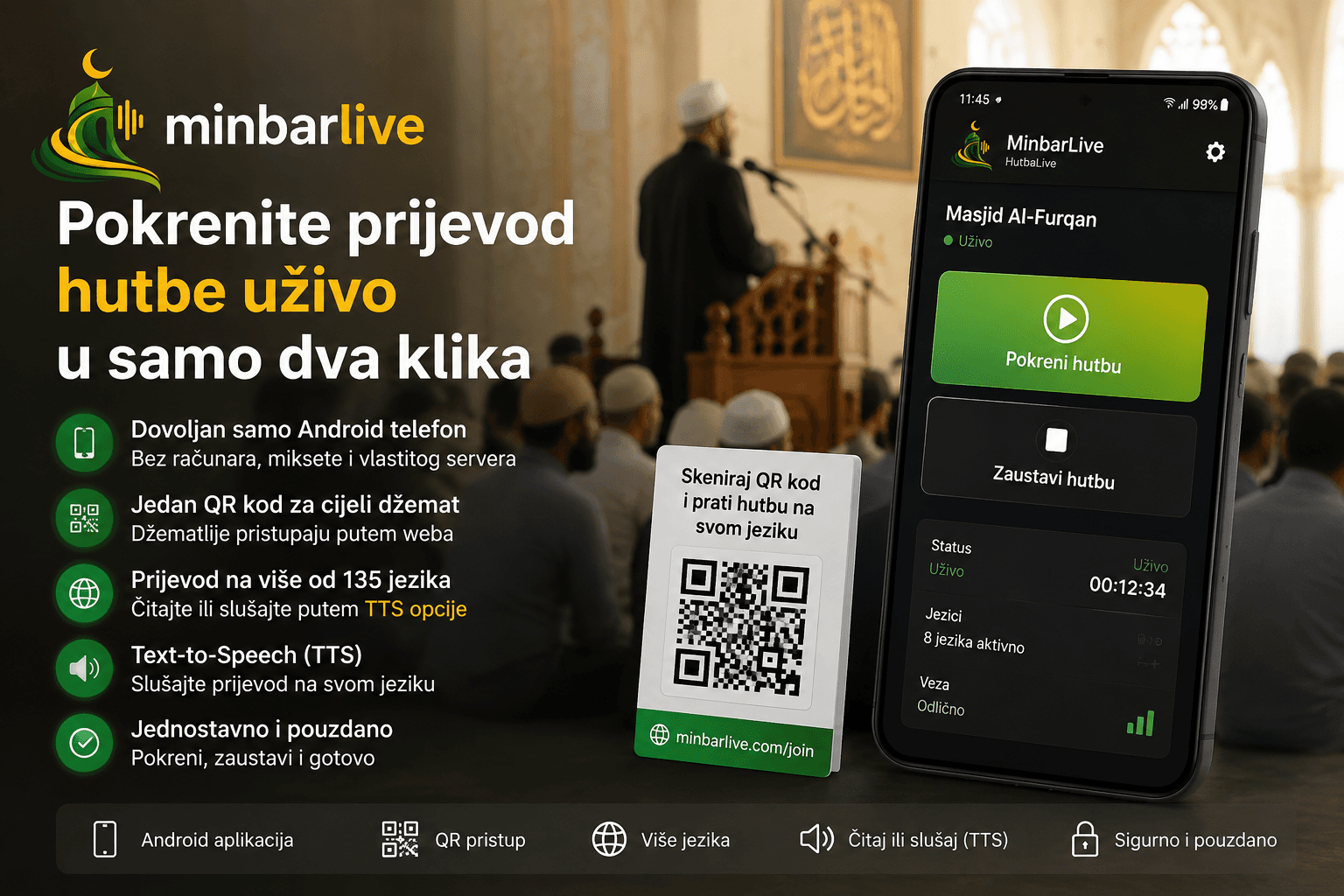
The new MinbarLive Android app enables mosques to start live khutbah transcription, translation, and TTS in just two clicks. No computer, mixer, or your own server—an Android phone and a single QR code are enough.
Start your first live khutbah
Download the MinbarLive Android app and enable your congregation to read or listen to the khutbah in the language they understand. All you need is one phone, one QR code, and just two clicks.
To start live khutbah transcription and translation, you no longer need a computer, mixers, complicated microphones, or your own server. An Android phone, the MinbarLive app, and a single QR code are enough.
One of MinbarLive’s main goals from the very beginning has been to make it possible for every person in the mosque to understand the khutbah, regardless of the language they speak.
However, technology for live speech transmission and translation can often seem complicated. Many people immediately think of computers, cables, mixers, additional microphones, servers, and someone who has to know how to connect and maintain everything.
That’s why we built the MinbarLive Android app, specifically intended for imams, mosques, and Islamic organizations.
Now the whole process is much simpler:
Open the app. Start the khutbah.
When the khutbah ends, you press the stop button.
That’s it.
Live khutbah in two clicks
The MinbarLive Android app is built so that it can be used even by people without special technical knowledge.
There’s no need to reconfigure a large number of options every Friday. There’s no need to connect a computer to the PA system or run complicated software.
An authorized person only needs to:
- open the MinbarLive app
- press the button to start the khutbah
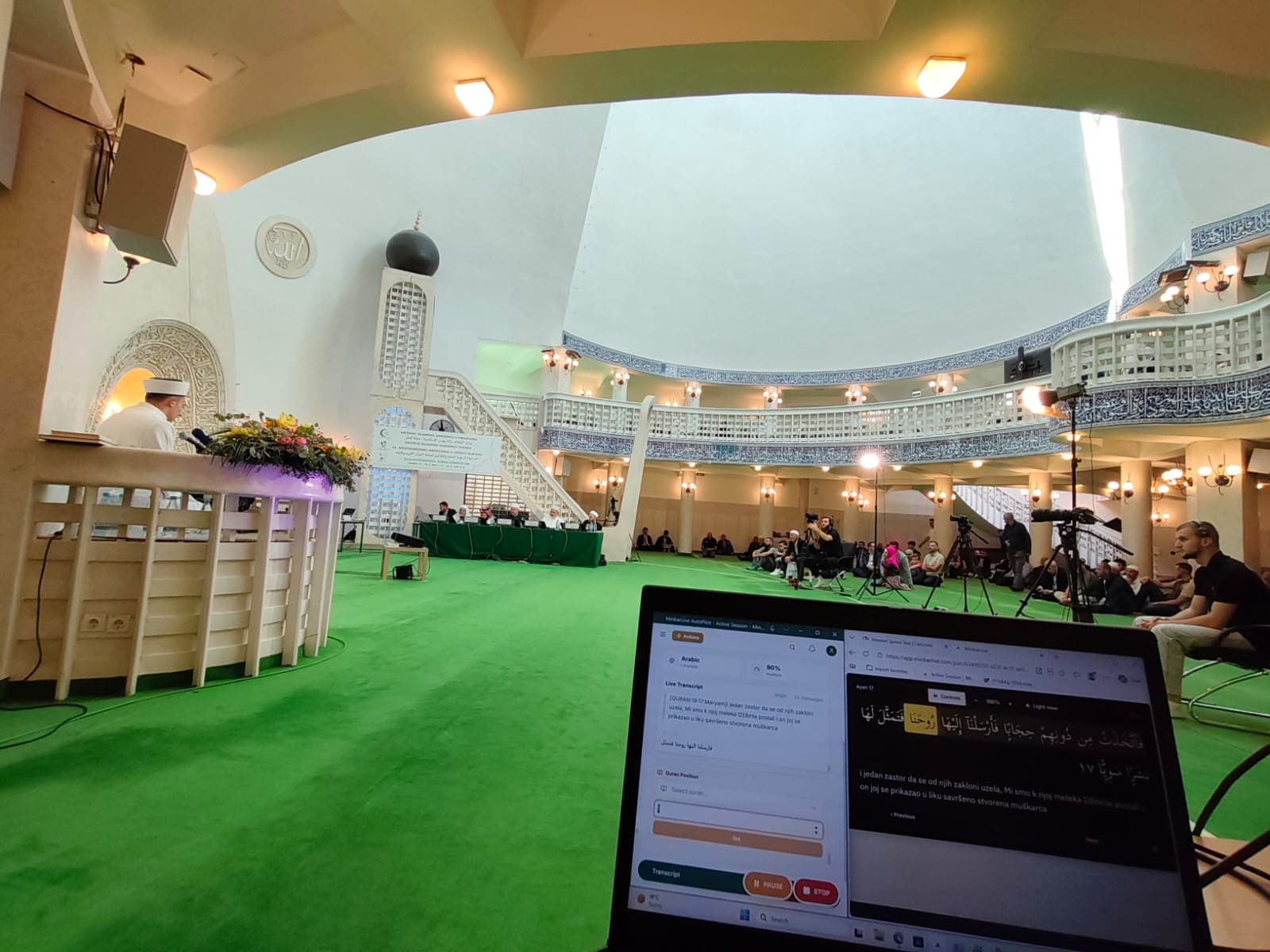
The app uses the Android phone’s microphone and enables speech transmission to the MinbarLive platform.
While the imam speaks, MinbarLive converts speech to text and enables its translation into the languages used by members of the congregation.
After the khutbah ends, it’s enough to press the stop button.
No computer, mixer, or your own server
For basic use of the MinbarLive Android app, you do not need:
- a dedicated computer in the mosque
- your own local server
- a mixer
- a professional sound card
- complicated recording software
- a large number of cables
- a dedicated technical person to operate the system
An Android phone with internet access is enough.
Of course, mosques that already have a professional audio system can still use it. However, such equipment is no longer necessary to start live khutbah transcription and translation.
This makes MinbarLive accessible to smaller congregations, masjids, temporary spaces, student communities, Islamic associations, and lecture organizers who do not have permanent technical equipment.
One QR code for the whole congregation
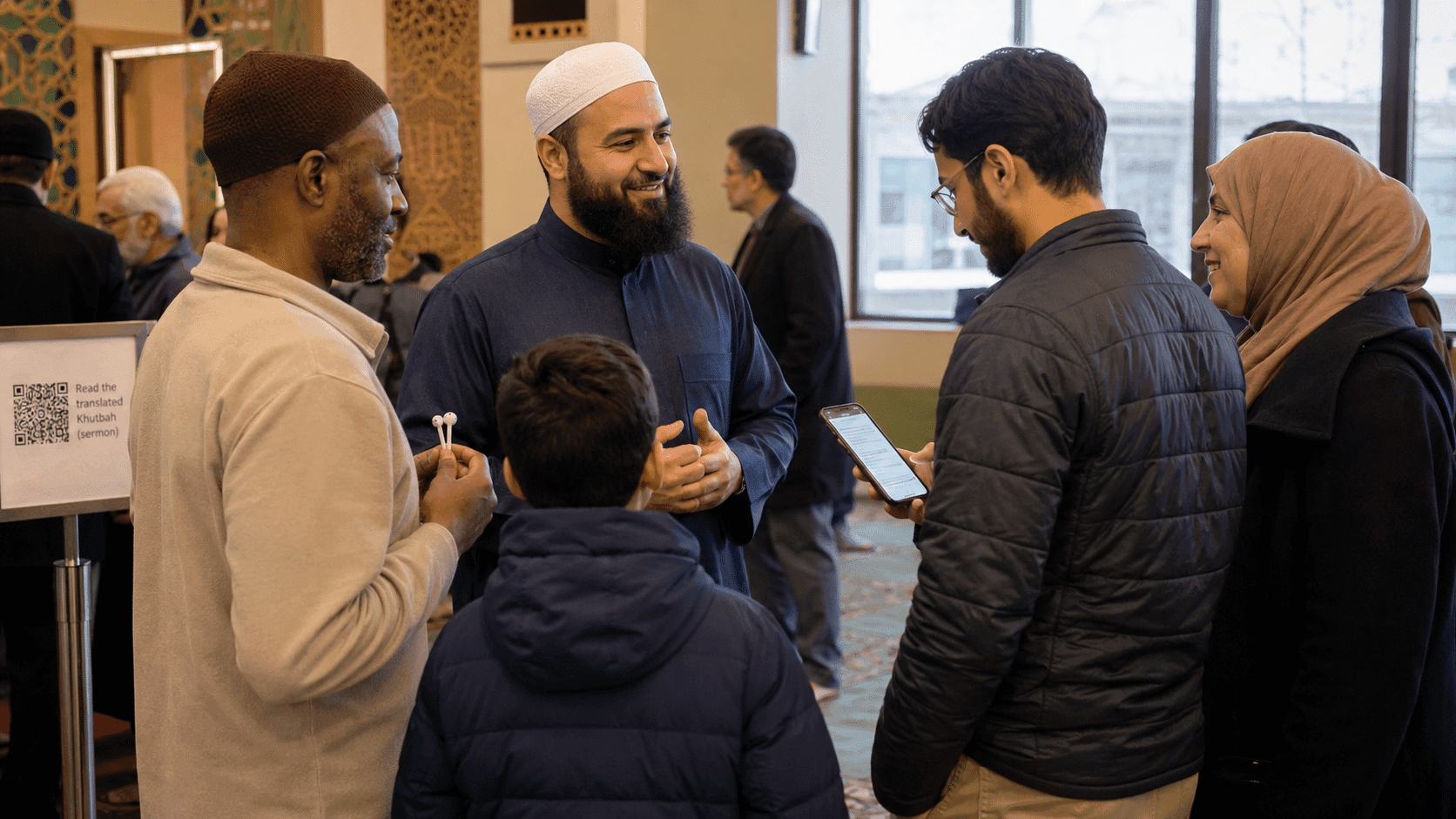
After the khutbah is started, congregation members can access it by scanning a QR code.
The QR code can be placed:
- at the mosque entrance
- on the notice board
- on a wall poster
- on a screen or projector
- on tables and other accessible places
- on the mosque website and social media
A congregant opens the phone camera, scans the QR code, and immediately accesses the page for following the khutbah.
For listeners, there are no complicated logins, account creation, or setup.
The Android app is used by the imam or an authorized person who starts the khutbah. Other users can follow the khutbah via a web browser on their phone.
Each person chooses the language they understand
After scanning the QR code, the user can choose the language in which they want to follow the khutbah.
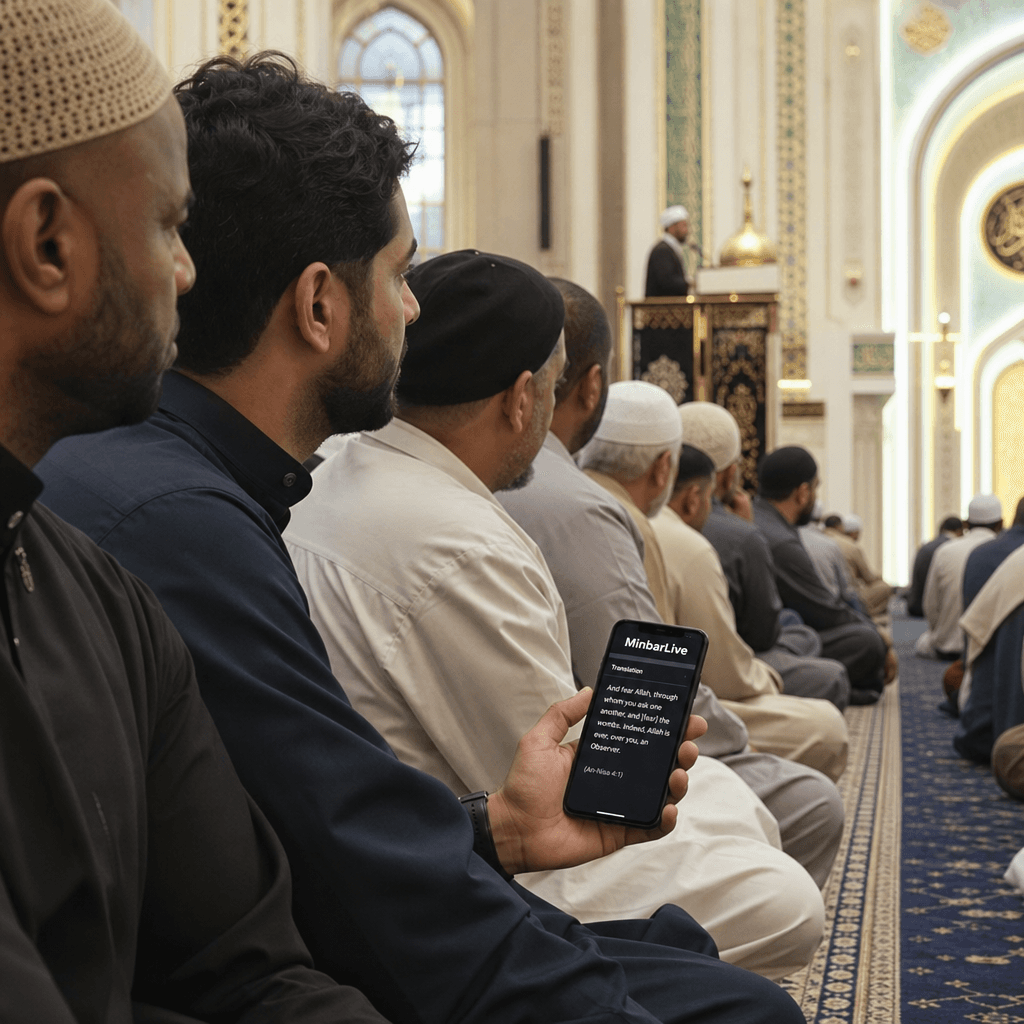
While the imam speaks, the transcript and translation are displayed on the phone in real time. This way, the same khutbah can simultaneously be available to people who speak different languages.
For example, the imam can deliver the khutbah in Bosnian, while one person follows it in German, another in English, a third in French, and a fourth in Turkish.
There is no need for the imam to repeat the same message in several languages. There is also no need for the mosque to provide a dedicated translator for each language.
The imam continues speaking as before, while MinbarLive enables each user to follow the message in the language they understand best.
The translation can be read or listened to
MinbarLive doesn’t only offer a text display of the khutbah.
A Text-to-Speech option, or TTS, is also available, which turns the translated text into speech.
This means a congregant can:
- scan the QR code
- choose their language
- enable audio translation
- listen to the translation using headphones
This way, the user can choose whether they want to read the khutbah translation on the screen or listen to it.
TTS is especially useful for people who find it difficult to watch the imam and read text on a phone at the same time. It can also help older people, visually impaired users, and anyone who prefers listening rather than reading a translation.
For listening to the translation, the use of headphones is recommended so as not to disturb the imam and other congregation members.
In this way, each user gets a personal audio translation directly on their own phone—without additional receivers, special devices, or a separate simultaneous interpretation system.
The imam doesn’t have to change the way he delivers the khutbah
MinbarLive is built so that technology is not the center of attention.
The imam doesn’t have to learn to use complicated equipment. He doesn’t have to interrupt his speech for a translator or deliver the khutbah in several languages.
He can speak naturally and deliver the khutbah in the same way as before.
The technical part happens in the background:
- the app transmits the speech
- MinbarLive creates the transcript
- the content is translated
- congregants choose their language
- the translation is displayed as text
- users enable TTS when needed and listen to the translation
The goal is for the technology to be as simple and almost unnoticeable as possible, while making the khutbah message available to as many people as possible.
Especially useful for multilingual congregations
An increasing number of mosques bring together people of different backgrounds and different native languages.
In the same mosque, there may be:
- local Muslims
- students and workers from other countries
- tourists and travelers
- people who have recently accepted Islam
- children who understand their parents’ language less well
- members of mixed families
- people who are only learning the language of the country they live in
- deaf, hard-of-hearing, and visually impaired people
A person may regularly attend Jumu’ah, yet understand only a small part of the khutbah. They may hear Qur’anic verses and feel the atmosphere of Jumu’ah, but not understand the main message the imam wants to convey.
MinbarLive helps remove that language barrier.
One imam speaks, and each congregation member can follow the khutbah in the language they understand.
Useful beyond Jumu’ah prayer
Although the app is primarily built for khutbahs, the same simple workflow can be used for other content as well.
MinbarLive can help during:
- Islamic lectures
- seminars and conferences
- Ramadan programs
- Tarawih prayer
- mukabela
- education for new Muslims
- youth programs
- interfaith meetings
- international events
- guest lectures by speakers from other countries
The organizer needs to start the stream, and visitors can follow the content in their language by scanning the QR code.
Fewer technical barriers, more accessible khutbahs
The most important advantage of the new Android app is not just that MinbarLive can be started from a phone.
What matters most is that we removed one of the biggest obstacles to using live translation: complicated technical setup.
Now it’s enough:
One Android phone.
One internet connection.
One QR code.
Two clicks.
Congregants can then read or listen to the khutbah in the language they understand.
No server of your own. No dedicated computer. No mixer. No lengthy setup.
Technology becomes simpler, and the khutbah message becomes more accessible.
Download the MinbarLive Android app
The MinbarLive Android app is available on the Google Play Store:
Download the MinbarLive app on Google Play
After installation, sign in with your organization’s account, select the mosque, and start the khutbah.
For more information about the MinbarLive platform, visit:
Enable every person in your mosque to understand the khutbah message—regardless of the language they speak.
Next step
Start your first live khutbah
Download the MinbarLive Android app and enable your congregation to read or listen to the khutbah in the language they understand. All you need is one phone, one QR code, and just two clicks.