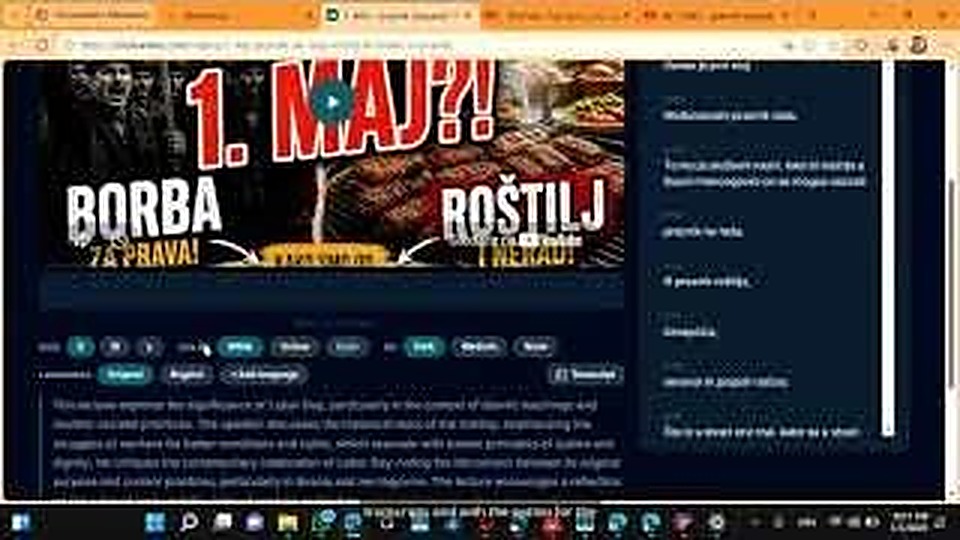
Module detail

Studio Mode

Upload recorded sermons for transcripts, translations, subtitles, and clean exports.

Upload recorded khutbahs and let AI generate full transcripts, multilingual translations, and styled subtitle exports. Preview videos with synchronized captions and export in multiple formats.

Paste a YouTube link or upload a file directly into Studio.Set the original language and target translation languages before processing.Review transcript segments, refine subtitles, and prepare export files.
English walkthrough 4:01

See the full Studio workflow in action

This first Studio module draft uses your English video walkthrough plus extracted UI frames for the core steps.

Watch on YouTube
How mosque teams use this module

Studio Mode

Use Studio Mode after the live session when you want polished transcripts, translated subtitles, and reusable media exports from recorded khutbahs or lectures.
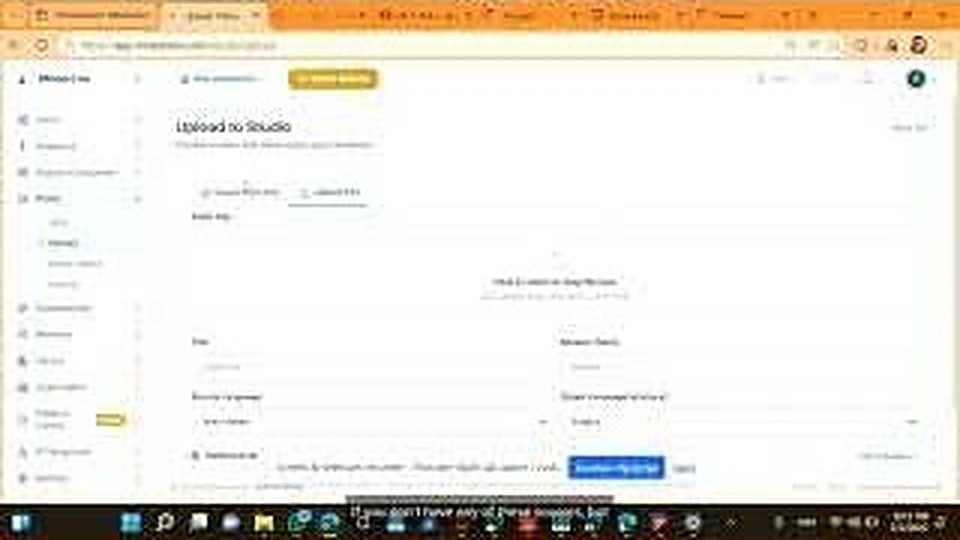
Studio upload form with source link, language selection and upload controls.
Import

Start from a link or direct upload

Studio editing interface with video preview and transcript segment editor.
Edit

Review transcript and subtitle segments

What this walkthrough shows

What this walkthrough shows

The English demo now covers the exact Studio journey a mosque team follows: import, review the transcript, edit subtitles, and publish a multilingual public video page.

  • Paste a YouTube link or upload a file directly into Studio.
  • Set the original language and target translation languages before processing.
  • Review transcript segments, refine subtitles, and prepare export files.
  • Publish a public multilingual video page with language-specific SEO paths.
Studio upload form with source link, language selection and upload controls.
Import

Start from a link or direct upload

Studio accepts YouTube and other platform links, or a direct file upload when you already have the recording.

Studio editing interface with video preview and transcript segment editor.
Edit

Review transcript and subtitle segments

After processing, your team can inspect transcript blocks, fix repeated phrases, and prepare clean subtitle output.
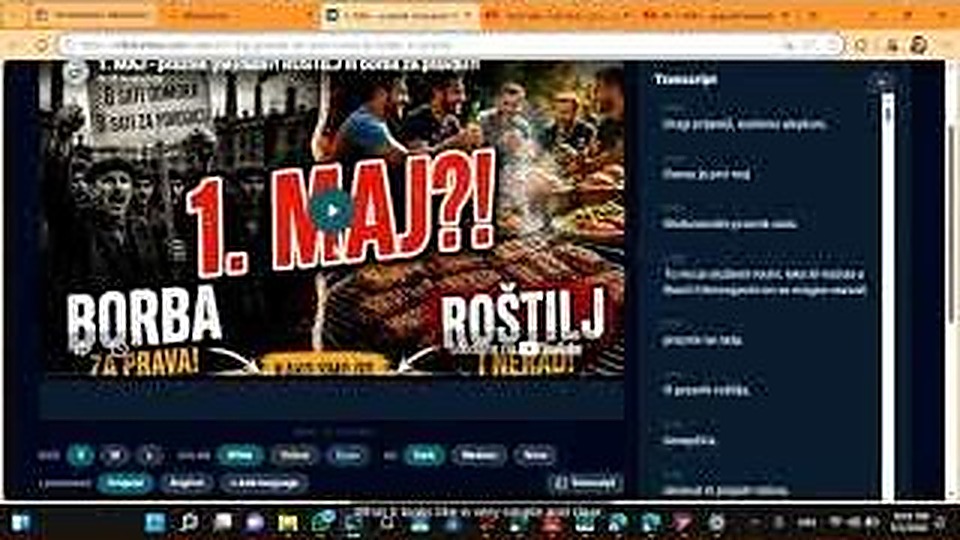
Public video page with multilingual transcript and language controls.
Publish

Deliver a multilingual public video page

Viewers get a clean playback page with transcript and language selection, ready for broader reach and SEO visibility.

Want to show this workflow to your community or team?

Open the app, try the live workflow, or continue exploring the rest of the MinbarLive modules.